Use of HP FlexFabric 10Gb 2-port 534FLB Adapter in a vSphere design using dependent hardware iSCSI mode.
Need to find out the number of outstanding iSCSI I/Os that the adapter can handle, to ensure that number of concurrent SCSI commands has been taken into account.
A dependent hardware iSCSI adapter is a third-party adapter that presents itself as a normal NIC, but has an iSCSI offload engine. It requires the use of VMKernel interface, which is then tied to the vmhba (HBA).
Solution
The following applies to the Broadcom 57810S chipset:
Total outstanding iSCSI Tasks (I/O) per port = 4096 (4K)
Total iSCSI Sessions per port = 128 – 2048 depending on the Operating System (Host limited)
Each iSCSI Session facilitates communication with a different Target:
Total of 512 outstanding iSCSI Tasks (I/Os) per Session
Therefore using HP FlexFabric 10Gb 2-port 534FLB Adapter we can have 1024 outstanding iSCSI Tasks across two adapters of 512 each.
When designing an infrastructure, you will have a percentage of virtual machines that run applications that the business considers critical. Out of an entire virtual machine estate this could be 10% or less.
Often the critical virtual machines share the same shared storage as the non critical virtual machines. If a non critical virtual machine makes a call for 1,000 IOPS the shared storage will deliver it, but at what cost to the critical virtual machine? This effect is known as the ‘noisy neighbor’ and is flagged in most designs I carry out. Until now I have used vSphere Enterprise Plus licenses with Storage IO Control to counteract this.
Today, I had an idea for a use case, which I thought I would share with you. Maybe we can do things differently with the release of 3PAR Inform OS 3.1.3?
Rewind 3PAR Inform OS 3.1.2
In 3pAR Inform OS 3.1.2 the concept of applying quality of service to a virtual volume set was introduced. This gave you the ability to control two settings:
I/O Limit (IO/Sec)
Bandwidth Limit (KB/s Sec)
For me this setting was always the wrong way round as I wanted to guarantee a virtual volume set to have ‘x’ IOPS or bandwidth.
3PAR Inform OS 3.1.3 QoS
I have it on good authority that in January 2014 3PAR Inform OS 3.1.3 is having a QoS face lift. With the ability to guarantee performance to a virtual volume set.
vSphere Use Case
This is when things start to get interesting, do we need to purchase vSphere Enterprise Plus licenses for every processor socket in our physical servers to protect a small percentage of critical virtual machines? Maybe not.
Perhaps we could use the Optimization Suite from 3PAR instead. Let me walk you over my thoughts:
Create a Thin Provisioned Virtual Volume of the appropriate space for your critical VM e.g. 1TB
Create a Virtual Volume Set and place the Virtual Volume in this to protect your critical VM
Create and apply the appropriate QoS rules to the Virtual Volume set e.g. Guarantee 1,000 IOPS
Add datastores to ESXi Hosts
Create your VM ensuring the VMDK sits on the right Virtual Volume
The result is you have a VM which is guaranteed the correct resources in times of contention without the need for SIOC in vSphere Enterprise Plus licences.
I wasn’t sure what to expect at my first HP Discover, however one thing is for sure. The same community feel that ‘VMware’ has exists at HP. I think that this starts with Calvin Zito @HPStorageGuy who takes care to ensure that you are welcomed and introduced to other community members.
Entering HP Discover, it felt the same as VMworld (probably linked to the fact that it is held at the same place), with the usual check in process. I was expecting an abundance of ‘swag’, but was quite surprised with the distinct lack of it, with just an event guide and a sessions schedule.
HP Discover SWAG
When entering the vendor floor, I started to see some major differences with other events.
The first being that HP Discover has a business feel to it, with most of the attendees wearing suits.
The second is the no ‘swag’ theme continues, with the approach focused on the technology to entice you into a conversation rather than a ‘free pen’.
The third is that the demo/stand staff seem to be well versed to answer technical questions, which is great. At other events you tend to get ‘we will look it that or you need to wait for Dave to come back’.
HP Discover Vendor Floor
Next on the agenda was a concept that HP call a ‘Coffee Talk’ which is an awesome concept. Essentially, HP wheel in a person of standing, for example David Scott (Senior Vice President and General Manager, Storage). It’s not often you get time with these individuals, so kudos for HP for making it happen.
The framework for the Coffee Talks is, and I quote ‘hosed down with information’ Chris Purcell @chrispman01 which usually lasts for around 20 minutes. After this it’s a Q&A session, giving you the ability to find out or challenge the ‘HP leader’ on their particular area of responsibility.
A great question was posed to David Scott by Chris Evans @chrismevans which was along the lines of ‘how and why has HP managed to drop the price of the StoreServ 7450 all flash array?’ For me, these are the best type of questions as they are open.
David answered this by explaining they had produced greater efficiency in software by modifying the OS for adaptive sparing (part of the SSD is hidden from use so when blocks can no longer be written to due to degradation they come from the adaptive sparing area) essentially making the adaptive sparing area smaller in space. So this with using a different MLC technology provider has driven down the costs by 50%.
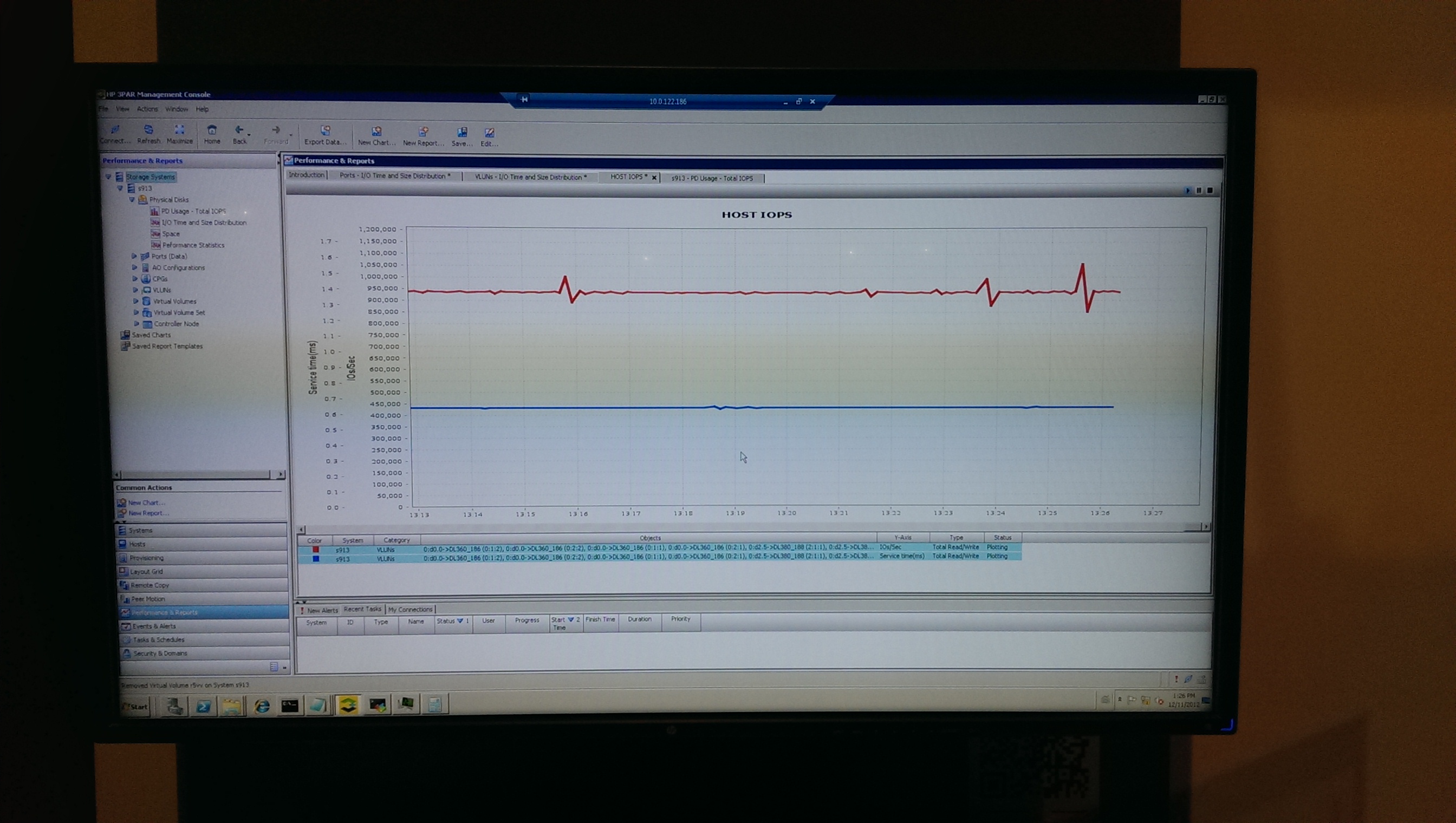
David then went onto explain that they had have also introduced further efficiency by driving the IOPS from 550K to 900K just by a software upgrade to Inform OS 3.1.3 which is due to be released in January 2014.
HP Discover 3PAR StoreServ 7450 900K IOPS
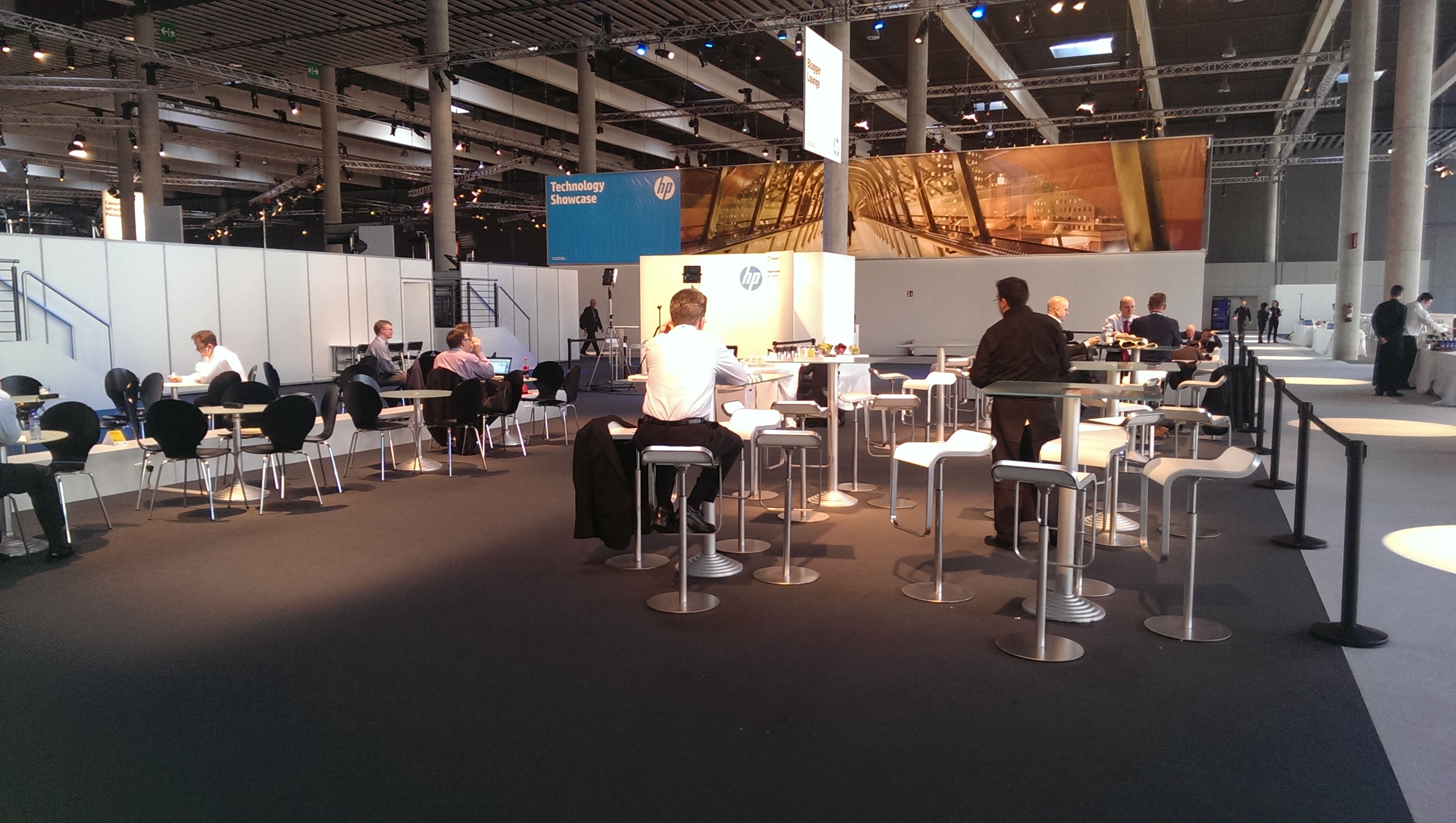
Part of the reason for coming to HP Discover was to meet other bloggers who are interested in storage and all things HP. HP have dedicated part of the conference to form the ‘Bloggers Lounge’. In this area you can meet the likes of:
Calvin Zito @HPStorageGuy
Enrico Signoretti @esignoretti
Alastair Cooke @DemitasseNZ
Chris Wahl @ChrisWahl
Chris Evens @chrismevans
Luca Dell’Oca @dellock6
Luigi Tiano @ltiano
Federica Monsone @Fred_Monsone
HP Discover Bloggers Lounge
A couple of item’s I wasn’t aware of, which will require further investigation are:
3PAR StoreServ QoS. This works at the virtual volume level and guarantees, bandwidth IOPS or latency to the volume in question. The use case for this is to remove the requirement for Enterprise Plus licensing in vSphere for SIOC avoiding the ‘noisy neighbor syndrome’ by placing your most valuable VM’s onto individual virtual volumes. QoS is part of the Optimization Suite which is likely to be in place already if your customer is using storage tiering.
3PAR vCenter Operations Management Plug in. vCOPS is great, but wouldn’t it be better to be able to drill down into your StoreServ to see what it thinks is going on? With this addition, it gives you the complete view of your vSphere environment across all compute resources.
So to sum up my first impressions, HP Discover is a ‘business technical’ conference.
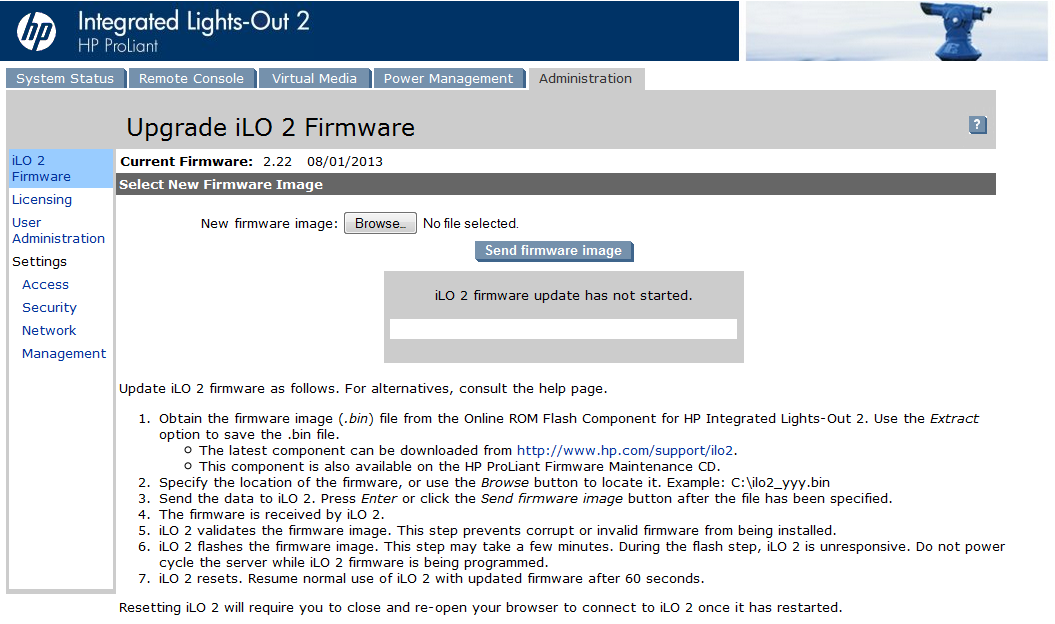
Trying to firmware upgrade HP iLO2 from version 2.07 or 1.81 to 2.22 results in the error message ‘firmware upgrade via webpage failed’ Using a .bin file via a Windows Server.
Troubleshooting Steps
Enabled compatibility mode in IE9, this resulted in Firmware loading to 99% and then timing out
Enabled compatibility mode in IE10, again this resulted in Firmware loading to 99% and then timing out
Tried using Google Chrome, again this resulted in Firmware loading to 99% and then timing out
Resolution
It seems strange but the firmware upgrade will work using Mozilla Firefox. Using this browser results in success, I’m now on iLO2 firmware 2.22.


 This post is based around information provided by all round good guy Adrian Clint who is a Master ASE-in Data Center and Cloud Architect.



 VMFocus